




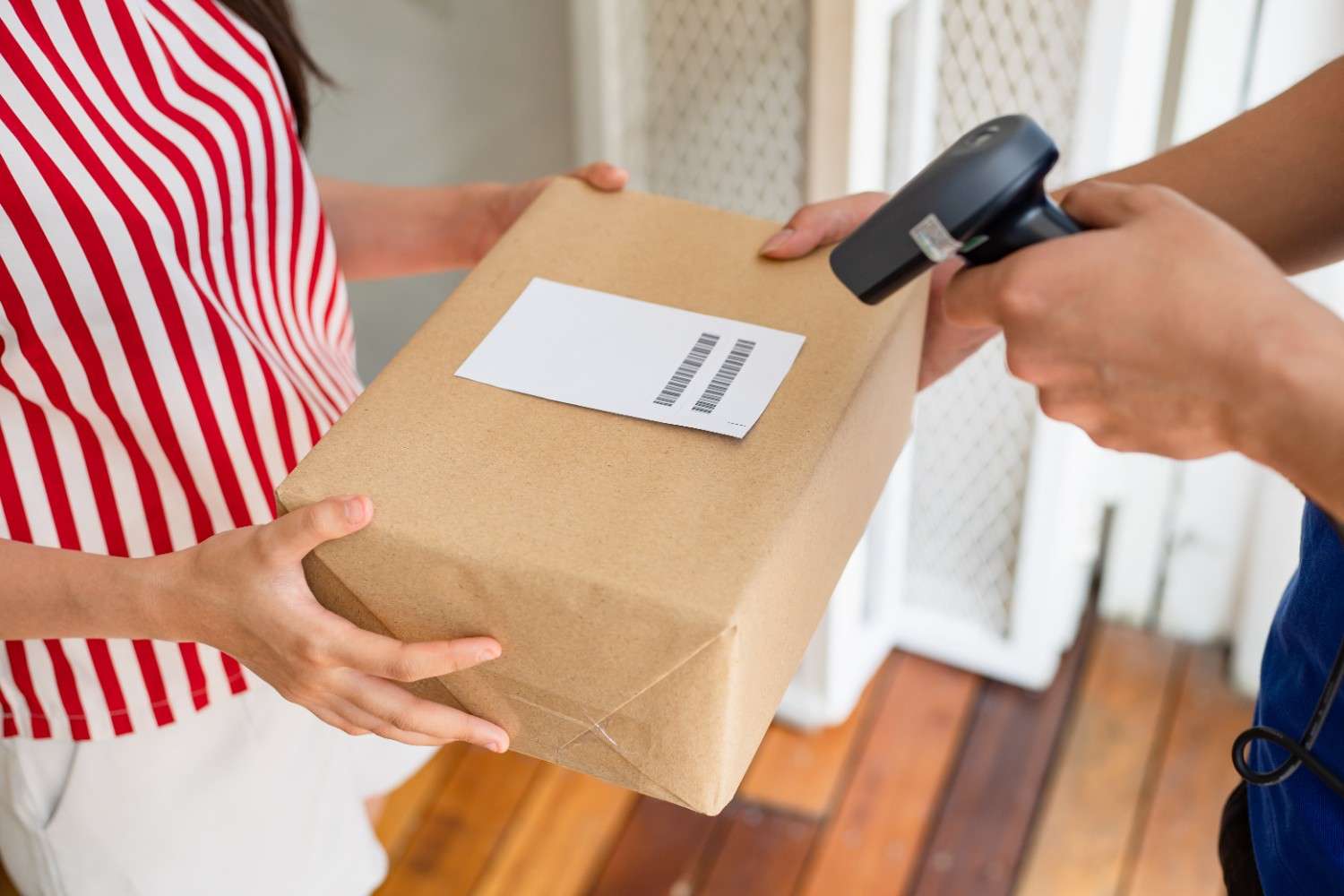
Every online sale comes with an unwritten promise: that if something goes wrong, the customer can send it back easily. That simple act — returning a product — hinges on one small but powerful tool: the return label.
A return label ensures items can be shipped back to the seller quickly, accurately, and with full traceability. It identifies the sender, the destination, and the carrier, turning a potentially frustrating process into a smooth logistical flow.
According to Forrester’s Retail Benchmark Recontact Survey (2022), U.S. shoppers prefer to process returns through multiple channels, such as in-store (63%), websites (36%), apps (17%), and even phone support (10%). While in-store returns (like those at Amazon Fresh or Whole Foods) typically don’t require a shipping label, most online and mail-based returns still require a clear, trackable label to ensure the product is returned to its source.
Retailers who offer flexible options and clear return labels across these touchpoints not only boost satisfaction but also improve operational efficiency. More than half of U.S. online shoppers (55%) say that being able to buy online and return in-store influences where they shop.
Beyond convenience, return labels form a critical part of reverse logistics — the system that brings goods back from customers to warehouses. For merchants, this small label connects the dots between customer satisfaction, inventory accuracy, and refund efficiency.
Imagine an apparel retailer that includes prepaid return labels in every order shipment. The buyer simply packs the items being returned, attaches the label, and drops off the parcel. The carrier scans the barcode, and the brand’s fulfillment software automatically updates tracking, inventory, and refund status — all triggered by that one label. This chain of transparency builds trust, reduces errors, and shortens the time between return and resale.
In this guide, we’ll explain what a return label is, how it works, the different types available, and how automation tools like OrderCup make creating them effortless for e-commerce brands.
What Is a Return Shipping Label and How It Works

A return shipping label is a preformatted label used to send items back to the retailer, warehouse, or fulfillment center. It typically includes:
- The sender’s (customer’s) address
- The recipient’s (merchant’s) return address
- A unique tracking number or barcode
- The shipping carrier’s routing details
When customers print or download this label, they simply attach it to the return package and drop it off with the carrier — no extra forms, no confusion.
Retailers can generate these labels manually on carrier websites (like UPS, USPS, or FedEx) or automatically using fulfillment software. Merchants can use tools like OrderCup that integrate with these carriers to generate and email return labels instantly. Or customers can initiate the return and generate the return label on the store’s website, if it provides this capability. These approaches reduce data entry and ensure the label meets carrier standards.
For example, a merchant using selling on Shopify and fulfilling through OrderCup can use OrderCup to generate a return shipping label with multiple integrated carriers. When a customer initiates a return, the merchant can verify eligibility, generate a prepaid return label, and update tracking in real time. This seamless integration reduces customer return delays and eliminates manual coordination between support and fulfillment teams.
Return Shipping Label vs. Return Address Label: What’s the Difference?
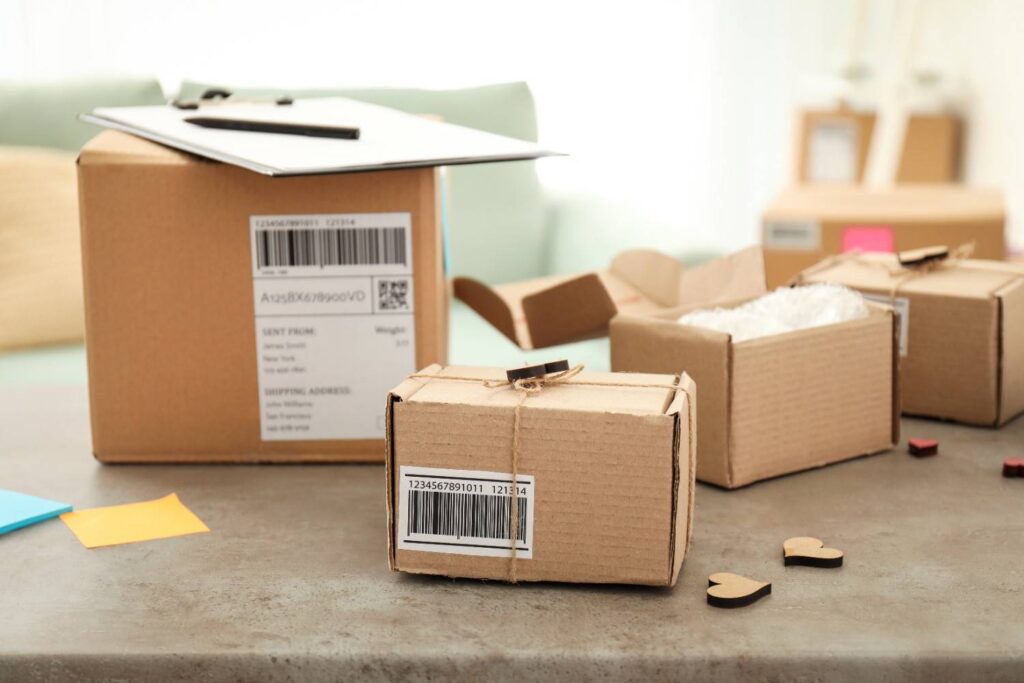
These two terms often get mixed up — but they serve completely different purposes.
- Return Address Label: Is the small label on outgoing mail that tells the postal service where to return the package if delivery fails. It usually includes only the sender’s name and address. On carrier shipping labels, the Return address [Ship From] and the Destination address [Ship To] are both part of the shipping label.
- Return Shipping Label: Is the label the customer uses to send an item back to the seller. It’s typically formatted to print on a 4” × 6” label or on the larger 8.5 x 11 sheet. It may include a return packing slip or routing barcode to insert in the return parcel, and it is a new shipping transaction in the carrier system.
Different carriers manage these labels in slightly different ways. For example:
- USPS: Uses prepaid return shipping via its Click-N-Ship service.
- UPS: Supports smart return barcodes, allowing label-free drop-offs.
- FedEx: Enables digital QR code returns for instant in-store printing.
According to USPS guidelines, both labels play a role in smooth mail handling and tracking accuracy. The key difference is purpose: a return address label helps recover undeliverable packages, while a return shipping label enables customers to return items efficiently under the retailer’s return policy.
What Is a Prepaid Return Label and When to Use One
A prepaid return label is a shipping label provided by the retailer, already paid for in advance. The customer doesn’t have to visit a carrier website or pay postage — they just print, attach, and drop off the item (or wait for the carrier to pick it up).
Retailers often include prepaid labels inside packages or make them available through customer portals. Prepaid returns simplify the process for shoppers and speed up refunds. This convenience makes them a major factor in repeat business.
The Shopify Global Ecommerce Trends 2025 Report highlights that convenience remains a top purchase driver for online shoppers—second only to price. Fast, flexible, and prepaid return options directly influence where consumers choose to shop and how likely they are to buy again.
However, prepaid labels can also increase costs if used incorrectly. For example, when customers return non-refundable items, unused labels still generate fees. That’s why automation is essential. With tools like OrderCup, merchants can control label generation — activating them only after approval — and avoid unnecessary charges.
How to Create, Write, or Get a Return Shipping Label
Creating a return label can be done in several ways. The method depends on who’s initiating the return, and the return process[es] supported by the seller.
1. Through a Carrier Website
Carriers like USPS, UPS, and FedEx allow you to create return shipping labels online:
- Enter sender and destination addresses.
- Choose the return shipping service.
- Download or email the label.
- Print and attach it to the package.
2. Through a Seller’s Returns Portal
Many e-commerce stores now support branded portals where customers can:
- Log in to their account.
- Select the order or item.
- Request a return or exchange.
- Generate a return label that can be downloaded and printed. The label is generally prepaid or paid for if used (referred to as pay-on-use).
3. Through an E-Commerce Shipping System
Shipping and returns management platforms like OrderCup can automatically generate a return label for each order or generate a return label on demand that can be emailed to the customer. Merchants can approve requests, issue prepaid or pay on use (depending on carrier support for it) return labels, and track items as they move through the return pipeline.
If you’re generating a return label on demand (rather than automatically through your system), ensure key details are accurate and clearly displayed:
- Verify the return address and RMA number before finalizing.
- Confirm barcodes are scannable and printed without distortion.
- Use consistent branding (logo, colors, and typography) for a professional look.
This preserves the practical advice while aligning with real-world workflows (on-demand, not handwritten).
What Is the Standard Size of a Return Address Label (and How to Print It)
Return labels come in several formats, standard sizes depending on purpose and printer type:
| Label Type | Typical Paper Size | Use Case |
|---|---|---|
| Standard Return Shipping Label | 4” × 6” | Standard carrier-approved label size for thermal printers. |
| Large Return Shipping Label | 8.5” × 11” [a 4” x 6” label printed landscape on the top or bottom half of the paper] | Printed on standard paper, used when regular printers are available [thermal printers aren’t an option]. |
Printing Tips:
- Print the return label from your carrier, returns platform, or customer porta,l depending on options supported.
- Avoid resizing in your printer settings — carriers scan barcodes at a fixed ratio.
- Keep the barcode area smudge-free and avoid covering it with tape.
Common mistakes include scaling errors and low ink contrast. These can cause scanning failures and delay delivery. Always do a quick test print before generating bulk labels.
According to both USPS and FedEx guidelines, maintaining proper label size and contrast ensures accurate scanning and on-time delivery.
Why Automating Return Labels Saves Time and Simplifies Operations
For growing eCommerce brands, generating return labels on demand through carrier or platform portals can still be repetitive and prone to errors. Automation tools help solve this by generating labels seamlessly, syncing tracking data, and verifying addresses before shipping.
Automation reduces:
- Manual data entry errors (wrong addresses or SKU mismatches)
- Customer delays (waiting for return approval emails)
- Operational bottlenecks (warehouse processing time)
A digital returns management system like OrderCup goes beyond label creation. It connects order data, warehouse updates, and customer communication into one automated workflow. Each scan or update appears in your dashboard, enabling faster refunds and better visibility into return trends.
Automation also improves communication by sending real-time updates to customers, freeing teams to focus on personalized touches—like thank-you messages or proactive exchanges—that turn a transactional return into a positive experience.
Conclusion
Simplifying and streamlining the returns process is more than achieving operational efficiency. It’s about recognizing how this can empower trust, convenience, and repeat business in e-commerce. A return label does more than route packages; it reassures customers that the brand cares about their experience, even after the sale.
With tools like OrderCup, creating and managing return labels is integrated and effortless. From prepaid or pay-on-use return shipping labels to real-time tracking, OrderCup helps retailers simplify reverse logistics and deliver a post-purchase experience that keeps customers coming back.
Ready to simplify your returns? Automate the return process, streamline label creation and keep customers informed with OrderCup’s all-in-one returns management solution.